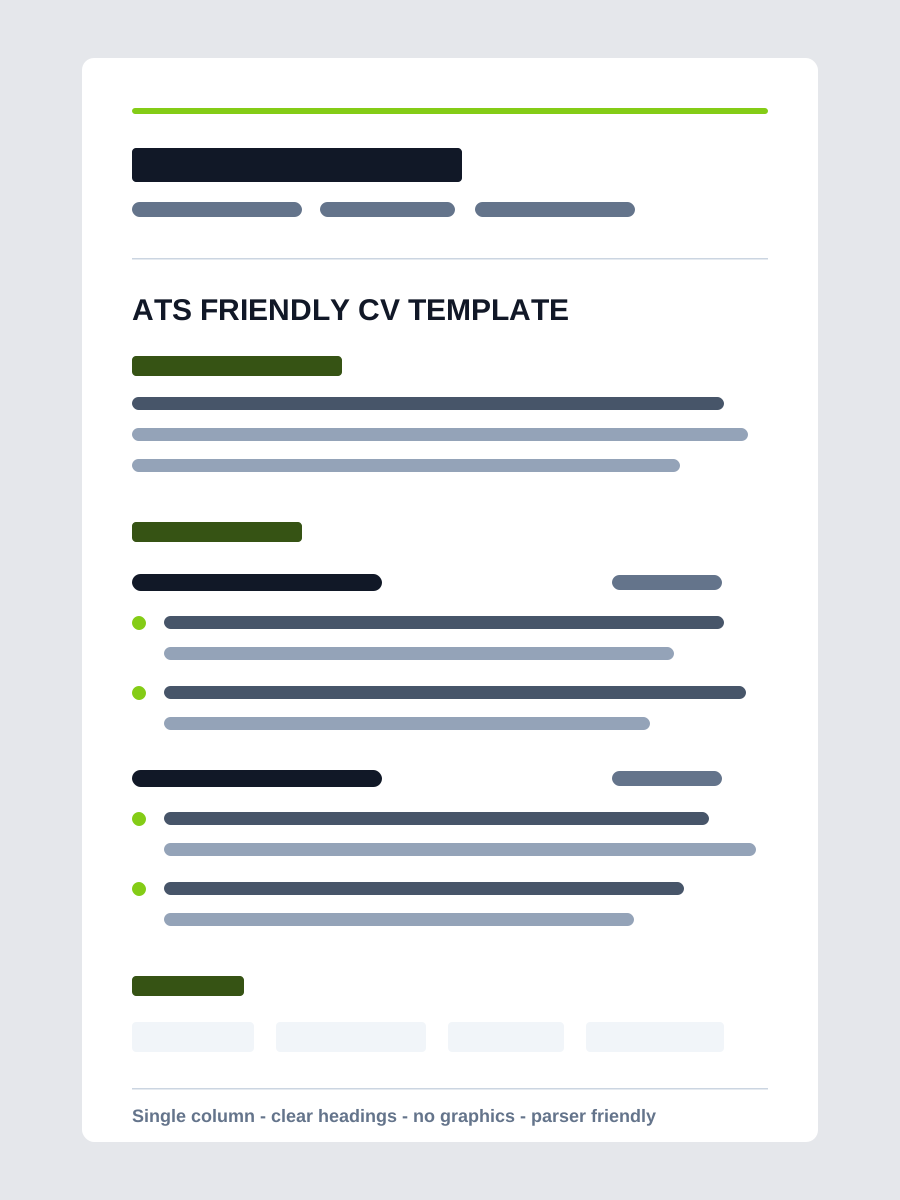
A practical checklist for document structure, role relevance and a final application check. No automated score can guarantee shortlisting.
- Reading-order check
- Vacancy requirements
- File and contact checks
Check the file
Follow the employer's requested file type. Copy the document into a plain-text editor and check the reading order, dates and contact information. This is a useful diagnostic, not a simulation of every ATS.
- Use conventional headings: Experience, Education and Skills.
- Keep important information out of images and decorative text boxes.
- Open the final file on another device before sending.
Check the evidence
Highlight the essential requirements in the vacancy. For each relevant requirement, identify an example from your experience. Use the employer's terminology only when it accurately describes your work.
- Replace unsupported adjectives with a specific contribution.
- Check every date, qualification and numerical result.
- Remove confidential client or employer information.
Check the application
Confirm the role title, company name, email address and working links. Use a clear filename such as Firstname-Lastname-Resume.pdf. Check any application questions separately: a well-written CV does not replace them.